Your comments


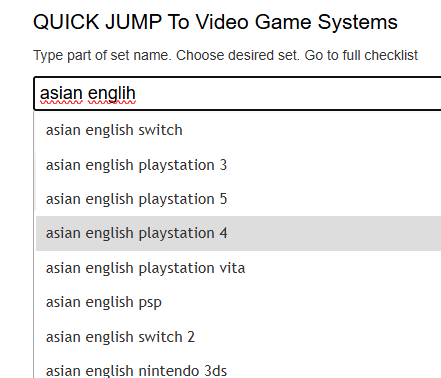
Please add those as "Asian English Switch" games.
https://www.pricecharting.com/add-product?category=video-games
Sorry for any problem. Do you know if these are items were we do have the UPC code in our database or is the UPC code missing? I would love to test to see if our scanner works well with PAL UPC codes or if it is our database that is incomplete.
Please let me know of an item you have a UPC for and what the UPC is. We we can make sure we have that UPC code and then see if the item is found.
Please contact us about any missing tags. These should be supported in the API but they might need to be added to your call if you are missing them now.
Added and updated all. The new sets will be available for additions in about 24 hours.
We should have Asian English versions of all games. Those should cover Chinese and Korean games.
We will work on adding that ASAP. It should be added within a couple of days.
The prices on eBay are inflated vs the price of just the card, people are paying extra for the "free shipping". Including the TCGPlayer data matches the value we show closer to the value of the card itself instead of the card AND shipping.
If you want to buy or sell on ebay, the price you pay will have to factor in shipping when deciding what price to pay.
We have that here:
https://www.pricecharting.com/game/playstation-4/horizon-zero-dawn-complete-edition
I'm guessing you had "exclude variants" set in your search results so you were not seeing that item.
Customer support service by UserEcho


We will look into this ASAP and add any missing issues to that set.